
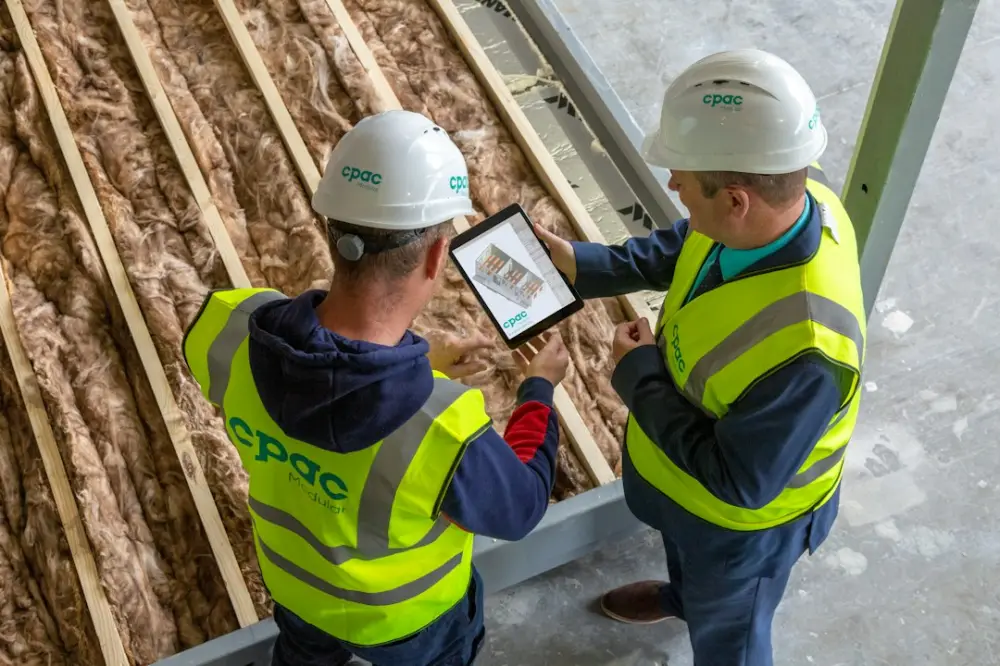
A digital site diary is a cloud-based application used by construction professionals to record daily activities, site conditions, and project progress. It replaces traditional paper logs with real-time data entry, photo uploads, and automated timestamps, providing a centralized, searchable record that improves accountability and ensures compliance with industry reporting standards.
For field leaders and project managers, moving away from handwritten notes reduces the time spent on administrative catch-up at the end of a shift. By capturing data as it happens—such as weather delays or subcontractor attendance—teams ensure that the record is accurate and legally defensible, which is essential for resolving disputes or verifying progress against the master schedule.
What is a Construction Site Diary?
At its most basic level, a site diary serves as the official chronological record of a construction project. It documents who was on-site, what work was performed, and any obstacles that hindered progress. Unlike a personal notebook, a site diary is a formal project document often required by contract. In the current 2026 regulatory environment, these records are increasingly scrutinized during audits and legal proceedings.
A concrete example of its utility occurs during a delayed material delivery. If a ready-mix concrete truck is delayed by two hours, the site diary records the specific arrival time, the impact on the pouring schedule, and the subsequent rescheduling of finishing crews. Without this specific entry, a contractor might struggle to justify a claim for an extension of time or additional labor costs later in the project lifecycle.
How Digital Site Reporting Works
Digital reporting shifts the focus from retrospective data entry to real-time documentation. Most modern systems follow a structured workflow to ensure no critical information is missed during a busy shift. Here is the typical process for a site supervisor using a digital platform:
- Initialization: The supervisor logs into the mobile application at the start of the shift. The app often pulls local weather data automatically based on the project’s GPS coordinates.
- Labor and Plant Tracking: The user records the number of operatives on-site, categorized by trade (e.g., three carpenters, two electricians) and any heavy machinery in use.
- Activity Logging: Throughout the day, the supervisor notes specific milestones achieved, such as "Second-floor slab reinforcement completed."
- Visual Documentation: Using the device’s camera, the supervisor attaches photos of work in progress or specific issues, such as a utility strike or a safety hazard.
- Review and Sync: ultimately, the supervisor reviews the entries and submits the report. The data syncs to a central server where project managers can view it instantly.
For example, if a site supervisor identifies a failed silt fence after a heavy rainstorm, they can snap a photo, tag the location, and assign a rectification task to a subcontractor directly within the diary entry.
Daily Reporting Standards and Compliance
Standardization is what separates a high-quality site diary from a collection of random notes. Industry standards, such as those found in ISO 9001 or specific national building codes, emphasize the need for records to be contemporaneous, accurate, and permanent. Digital tools enforce these standards by preventing users from backdating entries or deleting records without an audit trail.
Consistency in reporting is vital for improving communication between field leaders and office-based staff. When every report follows the same format, project managers can quickly aggregate data to spot trends, such as recurring delays from a specific subcontractor. In a 2026 context, many government-led infrastructure projects now mandate the use of digital logs that meet specific data-exchange formats to ensure long-term record viability.
Key Advantages of Digital Over Paper Logs
The primary disadvantage of paper logs is their vulnerability. They can be lost, damaged by coffee spills, or become illegible due to poor handwriting. Digital diaries eliminate these physical risks while adding powerful search capabilities. If a dispute arises regarding a waterproof membrane installed six months ago, a project manager can search the digital archive for the keyword "waterproof" and find every relevant entry, photo, and inspection sign-off in seconds.
Furthermore, effective site coordination improves when data is transparent. When a digital report is submitted, it can trigger automated notifications. For instance, if a site diary entry marks an electrical first-fix as 100% complete, the system can automatically alert the dry-lining contractor that they are clear to start closing up walls. This level of automation is impossible with a paper-based system sitting in a foreman’s truck.
The Development Journey of Modern Site Tools
The transition to digital did not happen overnight. It began with simple spreadsheets and evolved through fragmented communication via email and instant messaging apps. However, these methods often led to data silos where information was difficult to retrieve. The current generation of site diaries, developed leading up to 2026, focuses on integrated ecosystems. These tools are designed to work offline in basements or remote areas, syncing data only when a connection becomes available.
Consider a large-scale residential development. In the past, photos of defects might be scattered across various workers' phones. Modern development has led to tools where every photo is automatically geofenced and timestamped, ensuring that the "journey" of a specific structural element is documented from delivery to final handover without manual filing.
Accessing the Free Site Diary App
Many organizations start their digital transition by utilizing free versions of site diary applications. These "freemium" models allow small teams or individual contractors to test the functionality without a significant upfront investment. A free app typically includes basic daily logging, photo uploads, and PDF exports, which are often sufficient for smaller residential builds or short-term maintenance contracts.
When selecting a free tool, it is important to ensure it supports the basic reporting requirements of your specific trade. For example, a groundworks contractor needs a tool that emphasizes weather and soil conditions, while an interior fit-out specialist might prioritize high-resolution photo documentation for quality control. Most of these apps are available on standard app stores and can be deployed to a team in minutes.
Getting Started with Site Assyst Modules
Adopting a digital site diary is a foundational step in modernizing site operations. For those looking to move beyond basic logging, exploring specific modules can provide deeper insights into project health. Starting with a daily diary module allows the team to build the habit of consistent documentation before expanding into more complex areas like plant management, safety inspections, or material tracking.
Site Assyst focuses on providing the practical knowledge and coordination strategies needed to navigate these technical transitions. By integrating digital reporting into the daily rhythm of the site, field leaders can ensure that their hard work is accurately documented and that the project remains protected against unforeseen claims. Whether you are managing a small crew or a multi-million-dollar site, the move to digital reporting is a practical necessity for maintaining standards in today's construction environment.